Choosing the right small business payroll software isn’t just an admin task—it's one of those foundational decisions that can genuinely protect your business's stability and reputation. Why? Because getting payroll right is about so much more than just moving money from one account to another. It’s about keeping your team's trust and staying on the right side of Australian law.
Why Payroll Is More Than Just Paying Your Team

For any Australian small business owner, getting payroll right is one of the most critical jobs on the list, yet it's often a massive source of stress. When things go wrong, the consequences aren't just simple maths mistakes. They can send a ripple effect through your entire operation.
Think about it: when an employee’s pay is off—even by a tiny amount—it chips away at the trust you’ve worked so hard to build. For them, it’s not just a number on a screen; it’s their livelihood. This can quickly lead to tanking morale, a drop in productivity, and in today's competitive job market, it might even be enough to push your best people to look elsewhere.
The True Cost of Manual Errors
Trying to calculate pay runs manually is a high-stakes game, especially when you’re wrestling with Australia’s complex modern award rates or the ever-important superannuation guarantee.
Imagine misinterpreting an overtime clause in an award. That single mistake, repeated across a few employees and several pay cycles, can blow up into a significant underpayment issue before you know it.
This creates more than just a financial headache. Suddenly you’re drowning in the administrative chaos of fixing old payslips, recalculating super contributions, and explaining the mess to your team—all of which eats up precious time you should be spending on growing the business. These manual processes are just magnets for human error, turning a routine task into a major risk.
Staying Compliant with the ATO
On top of the internal dramas, payroll errors can put you squarely on the radar of the Australian Taxation Office (ATO). Mistakes in PAYG withholding or super contributions can easily lead to penalties and audits, which is a level of stress no business owner needs.
And these aren't isolated incidents. Even with the best intentions, payroll mistakes happen all the time. Recent survey data revealed that 59% of Australian payroll managers admitted to making at least one error in the last two years, which just goes to show how tough it is to maintain perfect accuracy.
Investing in reliable small business payroll software isn’t an expense—it's a foundational investment in your business’s stability, compliance, and reputation. It’s about building a resilient operation from the ground up.
Automating these processes takes the guesswork out of the equation and helps you meet your obligations on time, every single time. And while the right software gives you the tools, having a solid grasp of your financial landscape is just as crucial, which is why every business needs an accountant.
Decoding the Must-Have Software Features
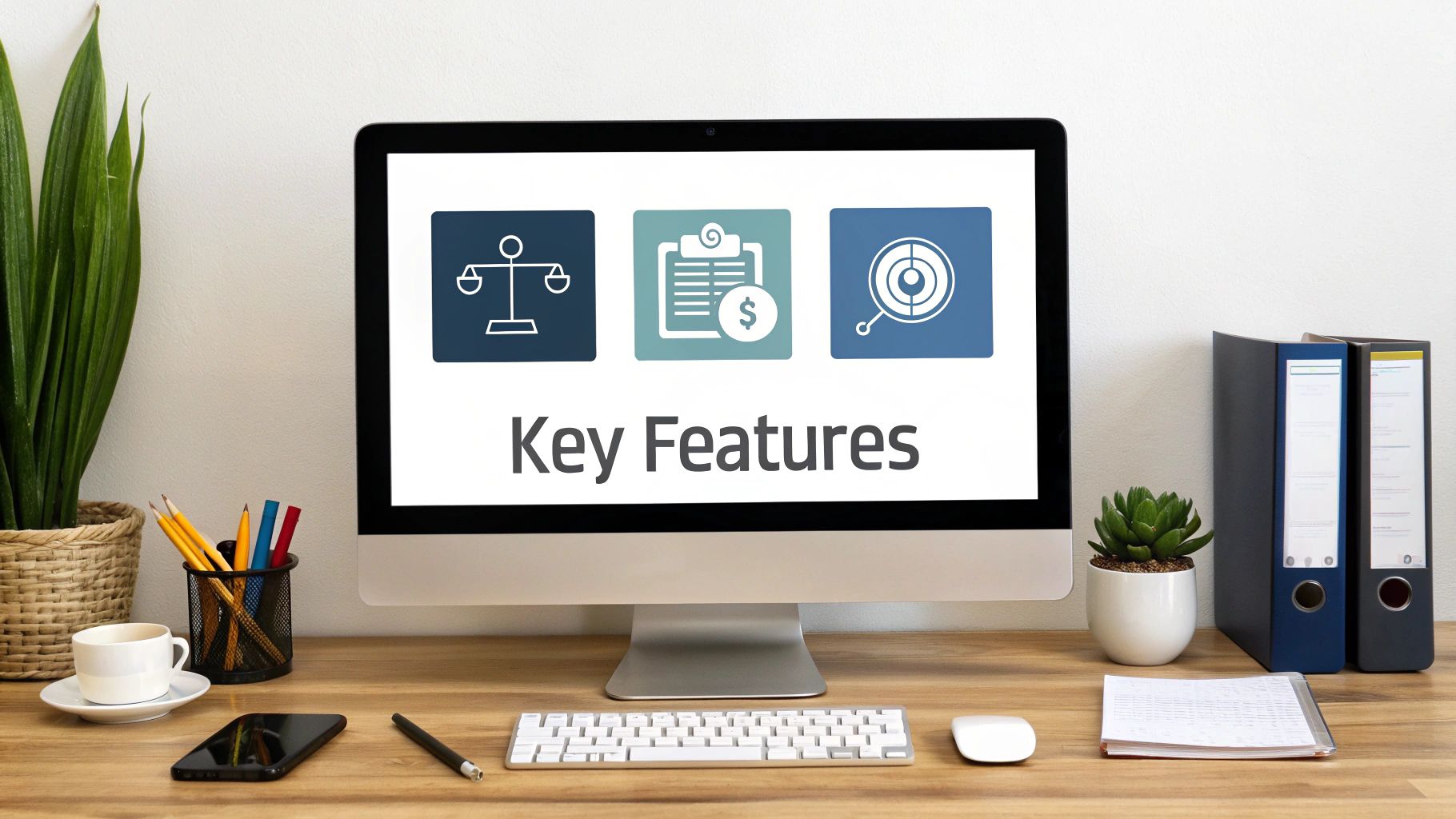
When you start comparing different types of small business payroll software, the endless lists of features can be completely overwhelming. It's so easy to get lost in a sea of technical jargon and flashy add-ons you'll probably never touch. Let's cut through that noise and focus on what genuinely matters for an Australian small business.
The aim here isn't to find the software with the most bells and whistles. It’s about nailing down a core set of functions that will save you time, keep you compliant, and just make life easier for you and your team. These are the non-negotiables.
Automated ATO Compliance
In Australia, staying on the right side of the Australian Taxation Office (ATO) is everything. The single most critical feature you need to look for is automated Single Touch Payroll (STP) reporting. This isn’t a nice-to-have; it's a legal requirement for every employer.
Good software does more than just calculate your payroll. It automatically sends the required info—wages, tax withheld, and super—directly to the ATO every single time you pay your staff. This seamless connection takes the manual slog of lodging reports off your plate, which massively reduces the risk of errors and late submissions that could land you in hot water. It basically puts your compliance on autopilot.
Streamlined Superannuation and Leave
Manually calculating super contributions is a massive headache and a common source of costly mistakes. Your chosen software absolutely must handle this automatically, calculating the correct Superannuation Guarantee (SG) amount for each eligible employee and baking it into your pay run. The best platforms even help you pay super directly to the funds, simplifying things even further.
Just as important is how the system handles leave. It should accurately track and accrue different leave types without you having to think about it, including:
- Annual leave: Automatically calculating entitlements based on hours worked.
- Personal/carer's leave: Managing sick leave balances correctly so there are no surprises.
- Long service leave: Tracking accruals based on the specific rules in your state or territory.
This level of automation prevents those nasty miscalculations and makes sure your employees always know exactly what their leave balances are, avoiding confusion and disputes down the line.
A key feature we see transform businesses is the employee self-service portal. It's a game-changer that lets your team access their payslips, view leave balances, and update personal details on their own, saving you countless hours in administrative back-and-forth.
The Power of Employee Self-Service
Imagine no longer having to manually send payslips every payday or field constant questions about leave balances. An employee self-service (ESS) portal gives your team the power to manage their own information. They can log in securely to access all their payslips, check payment summaries, and update personal details like their address or bank account.
This doesn't just free up your time—it also improves accuracy, since employees are responsible for their own details. In fact, studies show 88% of users agree that quality payroll software helps them stay compliant with regulations. Features like ESS are a big part of that, as they slash the chance of you making a data entry error. It completely changes payroll from a one-way administrative chore into a more interactive and efficient process for everyone.
To help you figure out what’s truly essential when you're comparing options, we've put together a simple checklist. Use this to cut through the marketing fluff and see if a platform really has what your business needs.
Essential Payroll Software Features Checklist
| Feature | Why It's Important for Your Business | Must-Have or Nice-to-Have? |
|---|---|---|
| STP Reporting | Non-negotiable ATO requirement. Automates your tax and super reporting. | Must-Have |
| Superannuation Calculations | Ensures you pay the correct SG amount, avoiding costly compliance errors. | Must-Have |
| Automated Leave Management | Accurately tracks annual, personal, and long service leave to prevent mistakes. | Must-Have |
| Employee Self-Service (ESS) | Saves you admin time and empowers staff to manage their own payslips and details. | Must-Have |
| Award Interpretation | Automatically applies correct pay rates, penalties, and allowances for modern awards. | Must-Have (if you have award staff) |
| Timesheet Integration | Allows staff to log hours digitally, which flow directly into the pay run. | Nice-to-Have (but essential for hourly staff) |
| Cloud-Based Access | Lets you run payroll from anywhere and gives your accountant easy access. | Must-Have |
| Direct Super Payments | Simplifies paying super contributions directly from the software to employee funds. | Nice-to-Have (but a huge time-saver) |
Ultimately, a system with these core features will do more than just pay your people. It will give you peace of mind, free up your time, and provide a professional experience for your team. Don't settle for anything less.
Finding the Right Payroll Software Fit
Let's be clear: there's no single "best" small business payroll software out there. The real goal is to find what’s best for your business. I've seen too many business owners get wowed by flashy demos only to end up with a system that's either too basic or wildly over-engineered and expensive for what they actually need.
Jumping straight into demos without doing a bit of homework first is a recipe for a bad decision. A quick self-assessment is easily the most important thing you can do. It's about looking inward at how your business runs to build a rock-solid list of what you truly need. This way, you invest in a solution that fixes problems, not creates them.
Evaluating Your Current Business Needs
First things first, let’s look at the nuts and bolts of your team right now. The answers to a few simple questions will help you immediately cull the list of potential software. For instance, a small consultancy paying three salaried staff has completely different payroll needs than a busy cafe juggling a dozen casuals under a complex modern award.
Think about these key points:
- Team Size and Type: How many people are on your payroll? Are they full-time, part-time, casual, or a mix of all three? The more complex your team structure, the more robust your software needs to be.
- Pay Structure: Are you dealing with straightforward annual salaries, or are you deep in the weeds of modern awards with penalty rates, overtime, and allowances? Proper award interpretation is a specialised feature, and not all entry-level platforms get it right.
- Existing Systems: What accounting software are you using? It’s crucial that your payroll system talks seamlessly with platforms like Xero or QuickBooks to ditch the soul-destroying manual data entry and keep your books perfectly in sync.
It's good practice to create a simple checklist of "must-have" features before you even glance at a product website. It keeps you focused and stops you from being distracted by bells and whistles you’ll never actually use.
Planning for Future Growth
The software that’s a perfect fit today could become a frustrating bottleneck in just a couple of years. It’s so important to think about where your business is heading to make a smart long-term investment. A system you outgrow will just force you into a costly and disruptive switch down the track.
Ask yourself what the future looks like:
- Hiring Plans: Are you planning to bring on more staff over the next few years? Make sure you check the software’s pricing tiers so you don't get hit with massive, unexpected costs as your team expands.
- Operational Changes: Do you see yourself hiring contractors or remote workers in other states? Your software needs the flexibility to handle different worker classifications and any multi-state compliance that comes with it.
- Future Feature Needs: You might not need advanced HR functions today, but what about later? Some platforms offer integrated add-ons for things like performance reviews or employee onboarding, which you can switch on as your business matures.
By mapping out both your current reality and your future goals, you create a powerful blueprint for your search. This clarity turns what could be a confusing chore into a strategic business decision. You'll end up with a small business payroll software that’s a genuine asset, ready to support your growth for years to come.
Making Sense of the Australian Payroll Market
Stepping into the Australian payroll software market can feel a bit like walking into a stadium during a grand final—it’s loud, crowded, and intensely competitive. You’re constantly seeing ads from big players like MYOB and Xero, each claiming to be the ultimate solution for your business. To make a smart choice, you need to understand what’s really going on behind the marketing slogans.
The biggest shift in recent years has been the move towards integrated, cloud-based platforms. These systems want to be an all-in-one hub for your business, pulling together payroll, accounting, and even human resources (HR) functions. This convergence is driving a fierce "feature war," where providers are constantly adding new tools to one-up each other.
Navigating the Marketing Noise
This competitive pressure means you're going to see some pretty aggressive advertising. It’s all designed to grab your attention, but it can be hard to see the full picture.
For example, recent market analysis shows just how dramatically the battle for visibility can shift. MYOB recently cranked up its Google ad spend share from 28.1% to a massive 46.67%. This pushed them past Xero, whose share dropped from 33.84% to just 19.24%. This data shows a clear strategy to dominate the conversation around accounting and small business payroll software. If you're interested in the data, you can see the full Adthena research about the competitive payroll software market.
This marketing blitz can make it tough to see past the hype. One provider might be shouting about its advanced reporting, while another is boasting about its mobile app. Your job is to filter out all that noise and get back to the core strengths of each platform and how they line up with what you actually need.
Don't let a flashy marketing campaign sway your decision. The best software isn't the one with the biggest ad budget, but the one that solves your unique payroll problems reliably and efficiently.
Focusing on Your Core Needs
A provider's massive ad spend doesn't automatically make its software the right fit for your cafe, consultancy, or trade business. Instead of getting caught up in the rivalry between the giants, bring your focus back to the fundamental questions.
Ask yourself things like:
- Does this software handle my specific award interpretation needs without a headache?
- How well does it really integrate with the accounting system I already use?
- What does the customer support actually look like when I’m stuck and need help fast?
Thinking this way helps you evaluate providers based on substance, not just their marketing volume. For some extra reading on keeping your obligations in order, you can check out our resources on tax and compliance.
When you understand the market dynamics, you can confidently cut through the clutter and pick a solution that truly serves your business—not just today, but as you grow.
Your Guide to a Smooth Software Rollout
Alright, you've picked out your new small business payroll software. That's a huge step, but the real test is getting it up and running without causing chaos. A well-planned rollout is what separates a successful transition from a complete headache. It’s all about minimising disruptions, sidestepping costly mistakes, and getting your team comfortable with the new system from the get-go.
Let's walk through a practical roadmap for a stress-free switch.
The truth is, the market has already made its decision. Businesses are moving in droves from clunky, old server-based systems to modern cloud platforms.
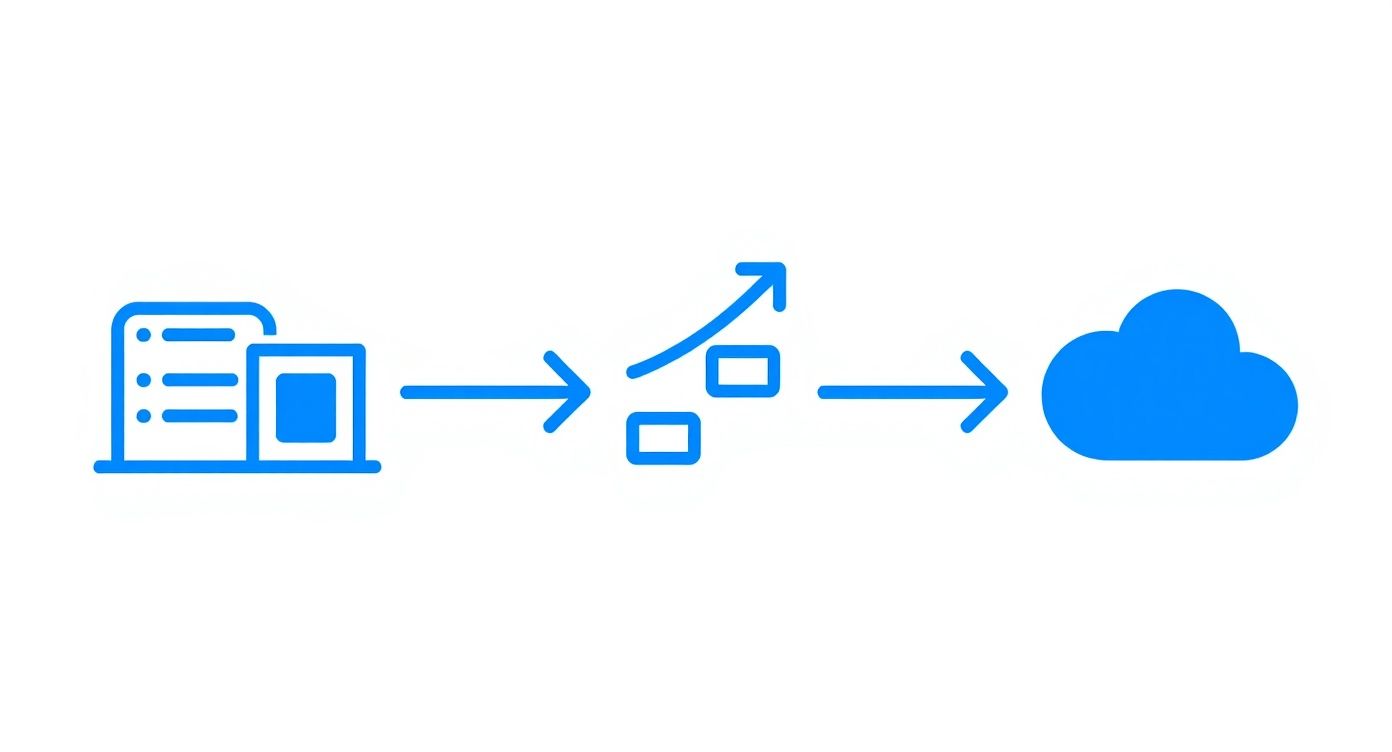
This shift isn't just a trend; it's a move towards more flexible, accessible payroll solutions that actually work for modern small businesses.
Laying the Groundwork for Success
Before you even think about moving data across, you need to get your house in order. This is the preparation phase, and skipping it is a rookie error that always leads to problems later on. Your goal here is to gather every single piece of employee information needed for a clean, accurate setup.
I recommend creating a master checklist for each employee. You'll want to collect and, more importantly, verify these key details to make sure everything is configured correctly and stays compliant with the ATO.
- Tax File Numbers (TFNs): Double-check every single one. A typo here can cause major issues.
- Superannuation Details: Make sure you have the correct super fund and the unique member number for each person.
- Bank Account Information: You'd be surprised how often these are out of date. Confirm the BSB and account numbers for payroll deposits.
- Contact Details: Get their current address, phone number, and email.
Getting this data sorted out now saves you from a frantic last-minute scramble and ensures that first pay run goes off without a hitch.
Configuring Your New Payroll System
Once your data is clean and ready, it's time to set up the software's core settings. This is where you customise the platform to match your business's specific pay structures and leave policies. Take your time with this part. These settings will automate calculations for every pay cycle from here on out, so accuracy is critical.
Pay close attention to your pay calendars—whether you pay weekly, fortnightly, or monthly. You also need to input the correct accrual rates for annual and personal leave, ensuring they match your employment contracts and any relevant modern awards.
Pro Tip: For your first pay cycle, consider running a parallel pay run. Process payroll in your old system and the new software at the same time. It's the single best way to catch any differences in tax, super, or net pay before you officially flick the switch.
Communicating the Change to Your Team
The final, and arguably most important, piece of the puzzle is your team. A new system, especially one that handles their pay, can make people anxious if you don't manage the communication well. Clear, positive communication is the key to getting everyone on board.
Start by explaining why you're making the switch. Highlight the benefits for them, like easier access to payslips and the ability to check their leave balances through a self-service portal.
Provide some simple training guides or even a quick walkthrough session to show them how to use the new features. When your team understands the upside and feels supported, they're far more likely to embrace the new small business payroll software. This turns what could be a disruptive process into a positive step forward for the whole company.
Answering Your Top Payroll Software Questions
When you're looking into small business payroll software, a few questions always seem to pop up. It's completely normal. Getting straight answers is the best way to feel confident about the choice you make, so let's tackle the most common ones we hear from Aussie business owners.
How Much Should I Expect to Pay for Payroll Software?
Honestly, the cost can swing quite a bit. It really depends on how many people are on your team and what features you're after.
For a small crew with just a few staff, you can find basic plans starting as low as $10 to $20 per month. Simple, effective, and gets the job done.
But if you need something with more grunt—say, a system that talks to your accounting software and handles HR tasks—you’ll likely be looking in the $35 to $150+ monthly range. The trick is to look beyond the headline price. Some providers will sting you with extra fees per employee or hide the best features in their top-tier plans. Always, always ask about setup fees and whether you're locking into a contract before signing on the dotted line.
Can I Change Payroll Software in the Middle of the Financial Year?
Yes, you absolutely can. It’s not as scary as it sounds, but it does require a bit of careful planning to nail it.
The most critical part is making sure all your year-to-date (YTD) payroll data for every single employee is moved over perfectly. Get this right, and your tax calculations and end-of-year summaries will be spot on.
A lot of businesses prefer to make the switch on July 1st, just to keep the reporting neat and tidy for the new financial year. But it's not a hard-and-fast rule. Most modern platforms have tools or even dedicated support teams to help you migrate the data smoothly. So, don't let the calendar hold you back if you've found a system that's a much better fit.
Please note the information provided here is for general guidance only and does not constitute financial or tax advice. We always recommend consulting with a qualified professional for advice tailored to your specific business situation.
What Exactly Is Single Touch Payroll (STP)?
Single Touch Payroll, or STP, is the ATO's system for real-time payroll reporting. It’s not a suggestion; it’s a legal requirement for every employer in Australia.
Each time you run your payroll, you have to report your employees' pay details—things like their wages, the tax you've withheld, and their super contributions—directly to the ATO.
The easiest, most reliable way to handle this is by using STP-enabled small business payroll software. The platform sends the report for you automatically after each pay run. It keeps you compliant without you having to think about it and helps you sidestep any potential penalties. If you want to dig a bit deeper into your tax obligations, our guide on how small business owners can navigate tax season has some great information. Mastering STP is non-negotiable for modern payroll.
At Genesis Hub, we don't just process payroll; we partner with you to bring clarity and control to your business finances. If you could use an expert in your corner for payroll, compliance, or growth strategy, book a free consultation with us today.